
- Published on
How to Use a Temporary Email? A Simple Guide for 2025
Temporary email can help you avoid sharing your main email address for short-lived, non-critical messages. This guide explains the current Temp Mail workflow and its limits.
🔧 What Is a Temporary Email?
A temporary email, or "temp mail," is a short-lived address used to receive messages. TempMail.la provides a receive-only inbox for 10 minutes and should only be used where the other website permits temporary addresses.
✨ Key Features of Temp Mail
The remaining Temp Mail service provides these features:
Multiple Domain Support
Choose from several domains to generate unique email addresses.
Attachment Downloads
Download incoming attachments through the active mailbox. Treat files from unknown senders with caution.
Auto & Manual Refresh
The inbox checks for new messages periodically, and you can also refresh it manually.
10-Minute Email Lifetime
Keep your email active for up to 10 minutes.
QR Code Access
Use the mailbox on another device by scanning the browser-generated QR code. Anyone with the complete access link can open the mailbox while it is valid, so keep it private.
Quick Email Reset
Instantly delete your current inbox and create a new address.
Multilingual Interface
Supports English, Chinese, German, and more languages.
Inbox Status
Messages are marked as read when you open them.
🚀 How to Use Temp Mail – Step by Step
Here's how you can use Temp Mail in just a few clicks:
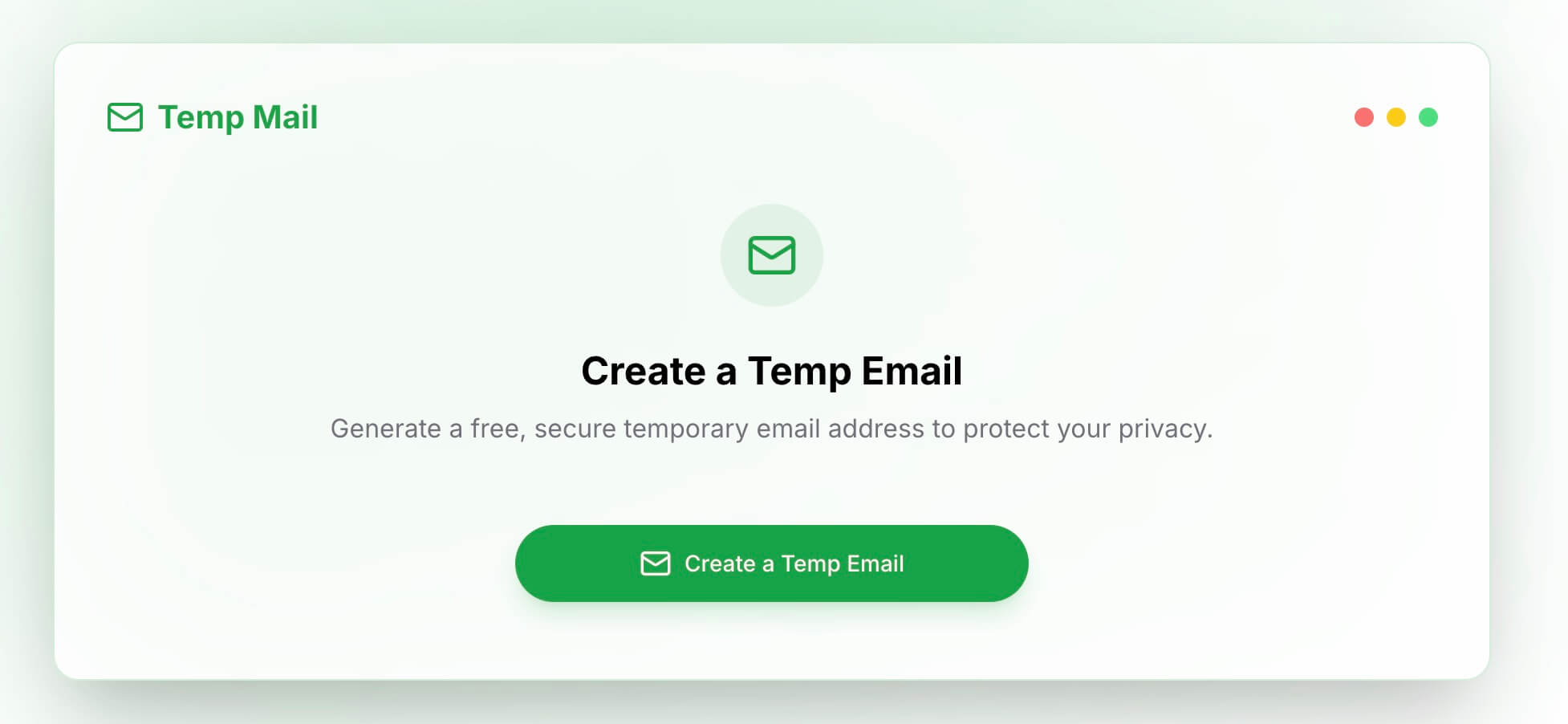
- Create a Temp Email
Generate a temporary email address with one tap.
- Copy
Copy your email address to paste it into sign-up or form fields.
- Refresh Email
Use the refresh button to load new messages if they don’t appear instantly.
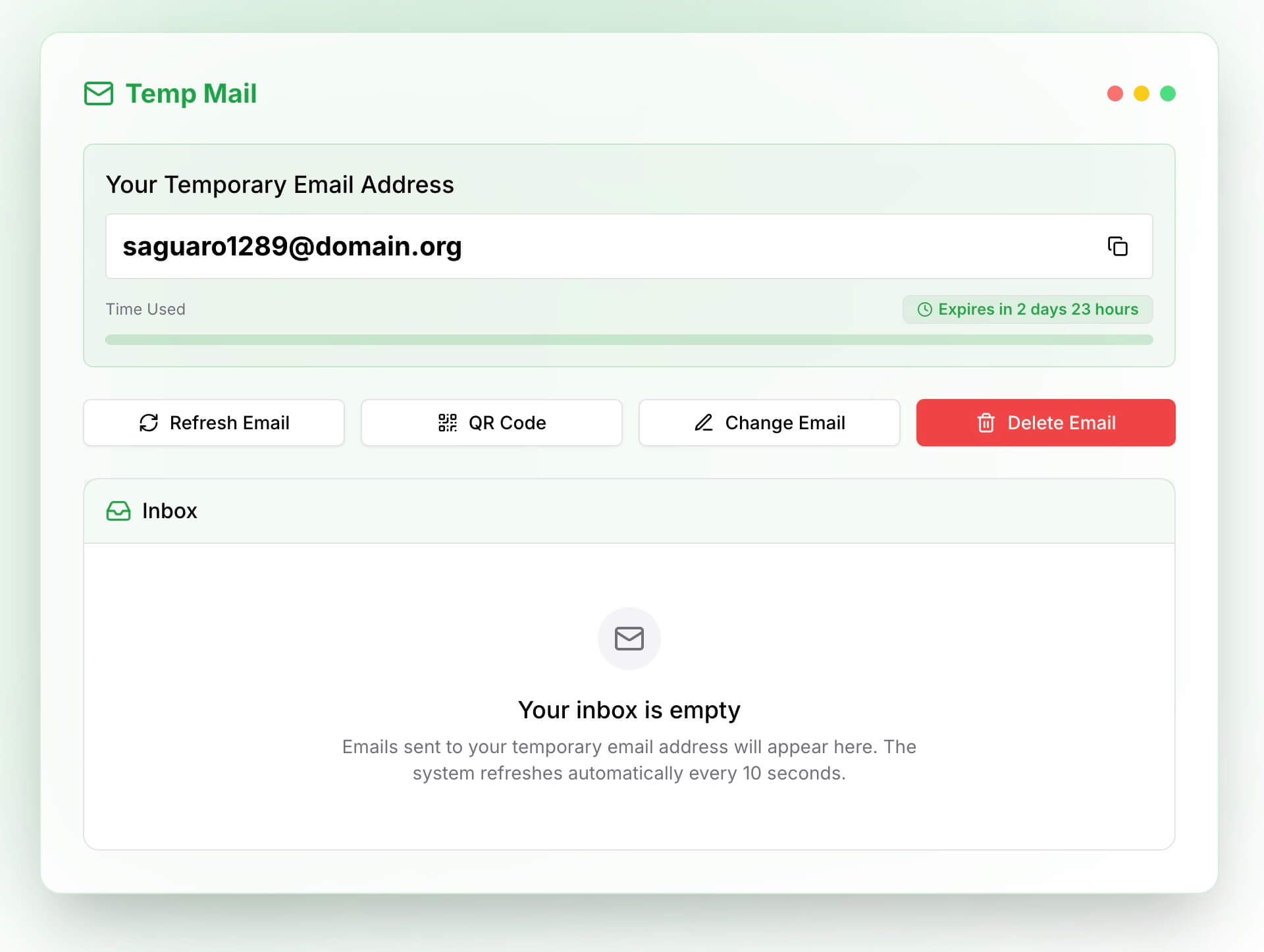
- QR Code
Scan the QR code with your phone to access your email inbox on mobile.
- Change Email
Don’t like your current email? Regenerate a new one instantly.
- Delete Email
Remove your current inbox and all its data immediately for privacy.
🛡️ Why Use a Temporary Email?
Reduce Unwanted Messages
Using a separate short-lived address can reduce promotional messages sent to your primary inbox.
Avoid Sharing Your Main Address
Use a temporary address for permitted, low-risk registrations without providing your main address. This is not a guarantee of anonymity.
Receive Attachments
Receive and download common attachments, while applying the same caution you would use with any unknown email.
Test Platforms
Ideal for developers and QA testers during website testing.
🔍 Final Tips
- Always check attachments for safety before downloading.
- Use temp mail for short-term needs only—don’t rely on it for long-term communication.
- Bookmark your inbox if you want to revisit it within the 10-minute window.
Visit Temp Mail to create a free 10-minute inbox without registration.
- Authors

- Name
- Official
- Website
- Temp Mail